
Your own site. Queek's checkout.
The Headless API (formerly the Storefront API) lets you build a store's website or app on its Queek catalogue. Read products, collections and pages, manage a cart, then hand the shopper to Queek checkout for delivery and payment.
- Final customer prices
- Queek-hosted checkout
- Dev store sandbox
X-Client-Key: pk_live_…GET /store/productsX-Cart-Session: <uuid>POST /store/cart/items
→ checkout_url# redirect, Queek does the rest
The whole storefront, as data.
Everything a Queek storefront shows is available to your build, from the same base URL.
OpenAPI specStore and brand
Profile, logo, colours, contacts and socials.
GET /store/infoProducts
Search, filters and pagination, at final customer prices.
GET /store/productsCategories and collections
The store's own structure, ready to navigate.
GET /store/collectionsPromotions
What's on offer, as the merchant set it up.
GET /store/promotionsReviews
Customer reviews and questions on each product.
GET /store/reviewsPages, policies and blog
About, shipping, returns, posts and galleries.
GET /store/pages
You build the cart. Queek closes the sale.
Every cart reply carries a checkout_url. Send the shopper there and Queek runs address, delivery, payment and the order, so your build never touches payments.
window.location = checkout_url- Website
 WhatsApp
 Instagram
 Telegram
- In-store QR
- AI assistants
yourbrand.com · Secure checkout
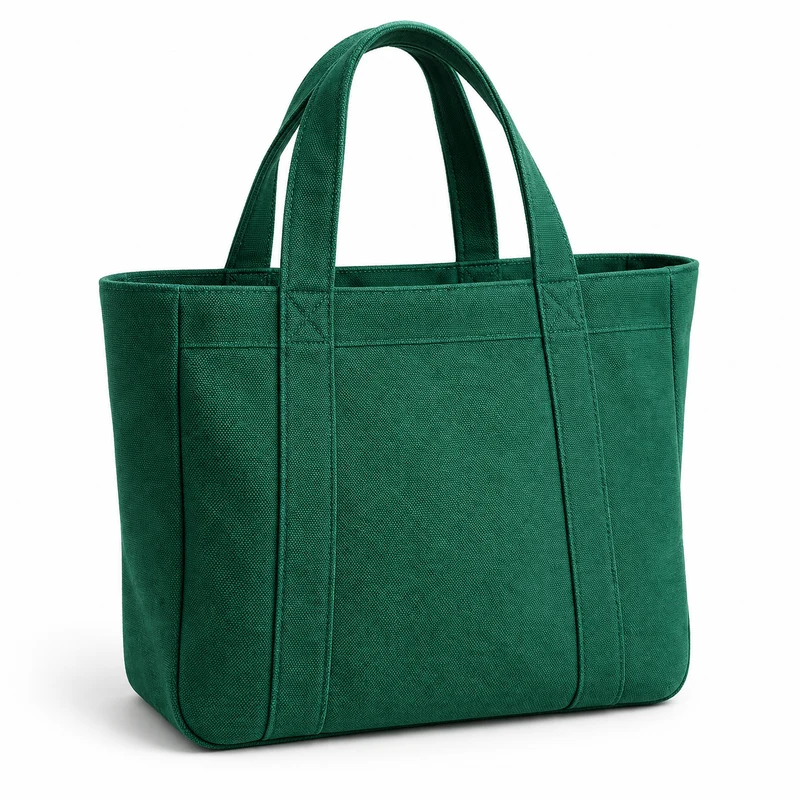 Everyday tote · GreenQty 1
Delivery
- Home deliveryTo your address
- PickupCollect from the store
- ShippingTo another city


Give an AI one URL and a key.
The whole API is described on one page written for AI builders: what to call, what comes back and how checkout works. Paste it into Claude, ChatGPT or your code assistant and let it build the store.
https://client.usequeek.com/llms.txtEvery endpoint, live from the spec.
Rendered from the OpenAPI document the service publishes, so it's always current.
Headless API questions, answered.
What you build and what Queek keeps.
Frequently asked questions
Do I need to build checkout?

No. The cart reply carries a checkout_url. Queek-hosted checkout runs address, delivery, payment and the order.
Which key goes where?
A pk_live_ public key goes in browser code and works from origins the merchant allows. An sk_live_ private key stays on your servers.
Is there a sandbox?
Yes. Create a dev store in your dashboard under Developers → Dev stores. Its sk_test_ keys never touch real money or deliveries.
Are prices final?
Yes. Every price the API returns is the final customer price.
Does Queek take a commission on API orders?
No. Orders placed through a site you build on the API carry no Queek commission. Commission applies only on Queek Marketplace.
$ curl client.usequeek.com/llms.txt
Build a storefront that sells on Queek.
Create a dev store, grab its test key, and ship a site that checks out on Queek.