One operating system for every way you sell.Start for free
Queek logo
Queek for Teams

Give every person.

Roles, branch-scoped access, a locked-down cashier mode, and an activity trail of who did what. As your team grows, everyone gets exactly the access they need, and nothing they don't.

Owner to cashierCashier mode lockdownFull activity trail

Your team

You· Owner

Full reach across the whole business, every branch, every surface.

Every branch
  • Sell & take ordersAllowed
  • Refunds & voidsAllowed
  • Edit prices & catalogAllowed
  • View reports & moneyAllowed
  • Add & remove staffAllowed
  • Business settings & payoutsAllowed
AllowedView onlyBlocked

One shared login is fine, until the second the team grows. Give each person their own role instead.

The shared-login problem

One password, and everyone can touch everything.

A team on a single login is a team with no boundaries. Anyone can void a sale, pull up the day's takings, or change a price, and you have no way to tell who did.

On one shared login

Everyone has the keys to everything

  • Staff see the day's money, margins, and every report
  • Any cashier can void or refund a sale, no approval
  • Prices and settings get changed and nobody knows by whom
  • No record of who did what when something goes wrong
  • A leaver still knows the one password everyone uses
  • Adding a new hire means handing over full access
On roles & permissions

Each person gets exactly their own access

  • Cashiers are locked to selling, no reports or money in sight
  • Refunds and voids need a supervisor's approval to go through
  • Roles decide who can price, refund, report, or manage staff
  • An activity trail shows who did what, on which device, when
  • Scope a person to one branch, or give head office full reach
  • Add or remove staff in seconds, access ends the moment they leave
Access inspector

Pick a person. See exactly what they can touch.

No spreadsheet of ticks. Choose anyone on the team and read their world directly: what they can do, what's view-only, what's off limits, and which branch it's all scoped to.

Your team

You· Owner

Full reach across the whole business, every branch, every surface.

Every branch
  • Sell & take ordersAllowed
  • Refunds & voidsAllowed
  • Edit prices & catalogAllowed
  • View reports & moneyAllowed
  • Add & remove staffAllowed
  • Business settings & payoutsAllowed
AllowedView onlyBlocked
Built-in access control

Everything you need to run a team safely.

Sensible role presets to start, fine-grained control when you need it, and a record of everything, all built into the same Queek OS your team already sells on.

Role presets

Owner, manager, supervisor, cashier, ready out of the box.

Custom permissions

Tune any role down to a single capability when you need to.

Branch-scoped access

Pin a person to one branch, or give head office full reach.

Cashier mode

A till locked to selling, no reports, money, or settings.

Refund & void control

Require a supervisor's approval before money goes back.

Activity trail

Every sale, void, refund, and edit, with who and when.

Add staff in seconds

Invite by phone or email, pick a role, and they're in.

Session control

End access the moment someone leaves, on every device.

Cashier mode

A till that can only sell.

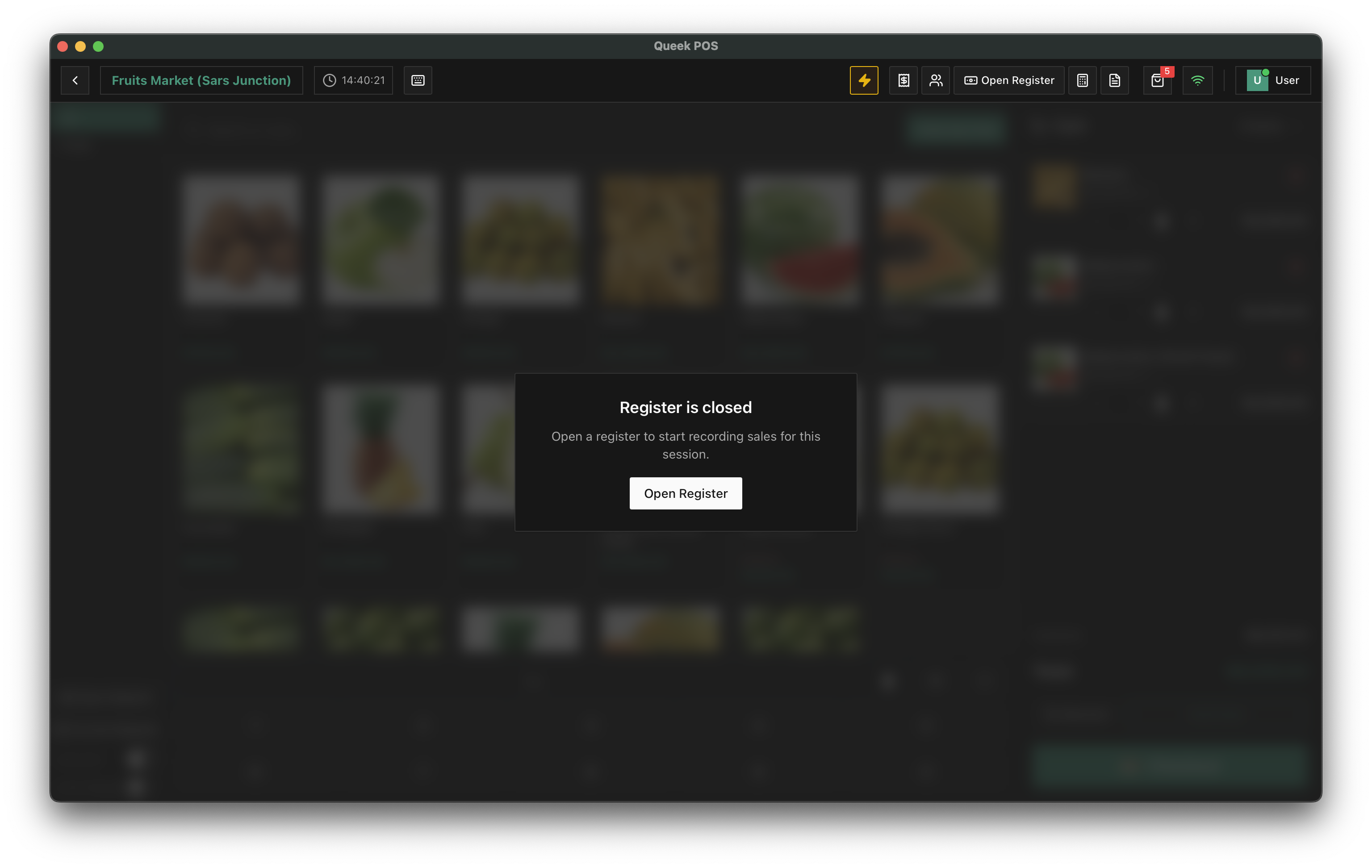
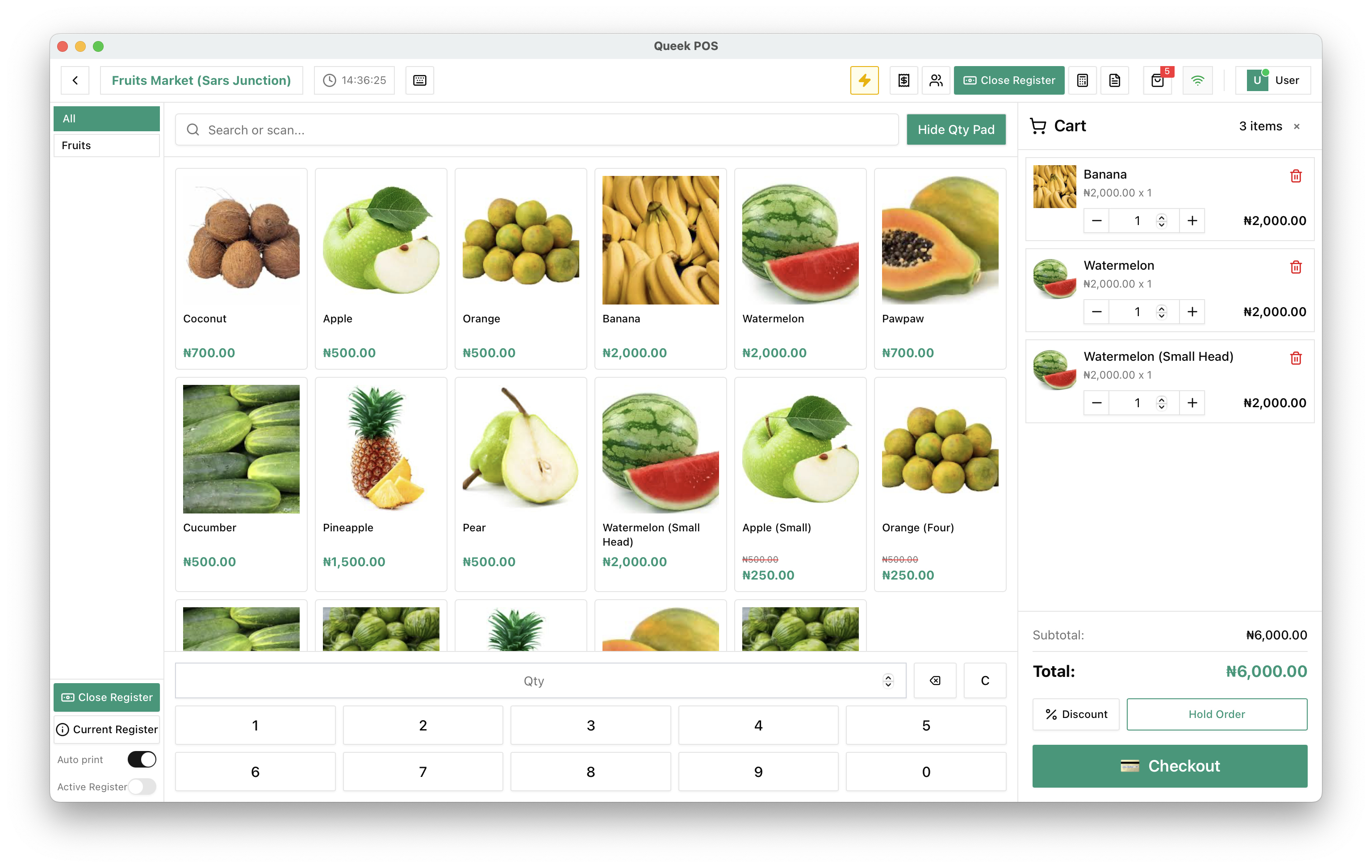
Hand a device to a cashier and it opens straight into a locked-down till. They ring up orders and take payment, and that's it. Reports, money, settings, and other branches simply aren't there.

  • Opens straight into the till, no dashboard, no reports

  • Refunds and voids prompt for a supervisor's approval

  • Money totals and margins are hidden from the cashier

  • Pin-locked between staff so the next person logs in clean

Cashier mode

Sefiu B. · Ibadan branch

#0231
  • Jollof ricex2₦7,000
  • Grilled chickenx1₦4,200
  • Chapmanx2₦3,000
Total₦14,200

Void item · needs approval

Supervisor PIN required

Hidden in this mode

ReportsMoney & payoutsPrices & catalogOther branches
Activity trail

When something happens, you know who.

Every action that touches a sale, a price, or a person is written down with who did it, on which device, and when. When a number looks wrong, you don't guess, you scroll.

Activity · todayLive
  • Ngozi E.Supervisor

    Approved a ₦4,200 refund

    Yaba · POS-2 · 2 min ago

  • Sefiu B.Cashier

    Requested a void on order #0231

    Ibadan · POS-1 · 6 min ago

  • Bola A.Manager

    Changed price of Rice 5kg to ₦7,800

    Lekki · Web · 24 min ago

  • YouOwner

    Added Tunde O. as Cashier

    Ikeja · Web · 1 hr ago

  • Sefiu B.Cashier

    Closed order #0229 · ₦9,500

    Ibadan · POS-1 · 1 hr ago

  • Ngozi E.Supervisor

    Signed in to cashier mode

    Yaba · POS-2 · 2 hr ago

Who runs Queek with roles

For any business where more than one person sells.

Retail chains

Retail chains

Cashiers locked to the till, managers running each branch, head office seeing it all from one place.

Restaurant groups

Restaurant groups

Waiters take orders, supervisors approve the voids, and nobody on the floor sees the day's takings.

A single shop with staff

A single shop with staff

Hand the counter to a hire without handing over your reports, prices, or payout details.

Why owners turn it on

Grow the team without losing the plot.

I used to share one login with three staff. Now each of them has their own role, the cashiers can't see my money, and if a sale gets voided I know exactly who did it.
Shop owner with staff
Cashier mode was the unlock for us. The device opens straight into the till, and any refund waits for a supervisor. The floor runs faster and I sleep better.
Restaurant operator

One role for a person. It holds across every Queek surface.

Barcode POSOrdersOnline storeCatalog & stockPaymentsReportsAI AgentBranches
Staff & permissions questions

Running a team on Queek, answered.

How roles, cashier mode, refunds, and the activity trail work once more than one person is selling.

What roles can I give my staff?

Queek ships with owner, manager, supervisor, and cashier presets so you can start in seconds. From there you can fine-tune any role down to a single capability, like letting a supervisor approve refunds but not edit prices.

Can I stop cashiers from seeing my sales and money?

Yes. A cashier in cashier mode opens straight into a locked-down till. Reports, money totals, margins, and settings are simply not there. They can sell and take payment, and nothing else.

Can I require approval for refunds and voids?

Yes. You can make refunds and voids prompt for a supervisor's PIN before they go through, so money never goes back without a second person signing off.

Will I know who did what?

Yes. The activity trail records every sale, void, refund, price change, and staff change, with who did it, on which device, and when. When a number looks wrong, you scroll instead of guessing.

Can I scope someone to a single branch?

Yes. Each person gets a role and a branch. A manager can run one outlet end to end while head office keeps full reach across all of them. Most roles are scoped to their own branch by default.

What happens when someone leaves?

You remove them in seconds and their access ends immediately, on every device they were signed in to. There's no shared password to change because nobody was sharing one.

Give your team the right access

Give every team member exactly the access they need.

Set roles, lock the till, require approval for refunds, and see every action in one trail. Built into the same Queek OS your team already sells on. Free to start.

Unlimited staff · No card required · Free plan available