One operating system for every way you sell.Start for free
Queek logo
Queek POS

Sell in-store on any device.

Windows, iOS, or Android. Offline-ready and synced to one catalog. Every counter sale updates your online store and WhatsApp instantly.

Works offlineAny deviceCashier accountability
Queek POS running on phone, tablet, and laptop at a store counter
Runs on what you own

No terminal. No installation engineer.

Queek POS on a phone at checkout
Queek POS on a tablet counter stand
Queek POS on a laptop at the till
Queek POS on a desktop back office

One catalog. Every channel. A sale at the till is a sale everywhere.

Any device

Sell from what you already own.

Phone, tablet, laptop, or desktop, on Windows, iOS, or Android. No terminal to buy, no engineer to install.

Cashier ringing up a sale on a phone at a store counter
Offline-ready

Network drops. Sales don't.

Every transaction saves locally first. The moment the connection returns, Queek syncs the queue in the background.

Cashier checking out a customer during a network outage
Cashier accountability

Know exactly who sold what.

Every cashier logs in. Every sale, void, and discount is attributed, timed, and tied to a till session.

Cashier login and till session close screen on POS
One inventory

One stock count. Every channel.

A counter sale updates your online store and WhatsApp instantly. No overselling, no manual reconciliation.

Stock count syncing across POS, online store, and WhatsApp icons
Fast checkout

Scan. Charge. Next customer.

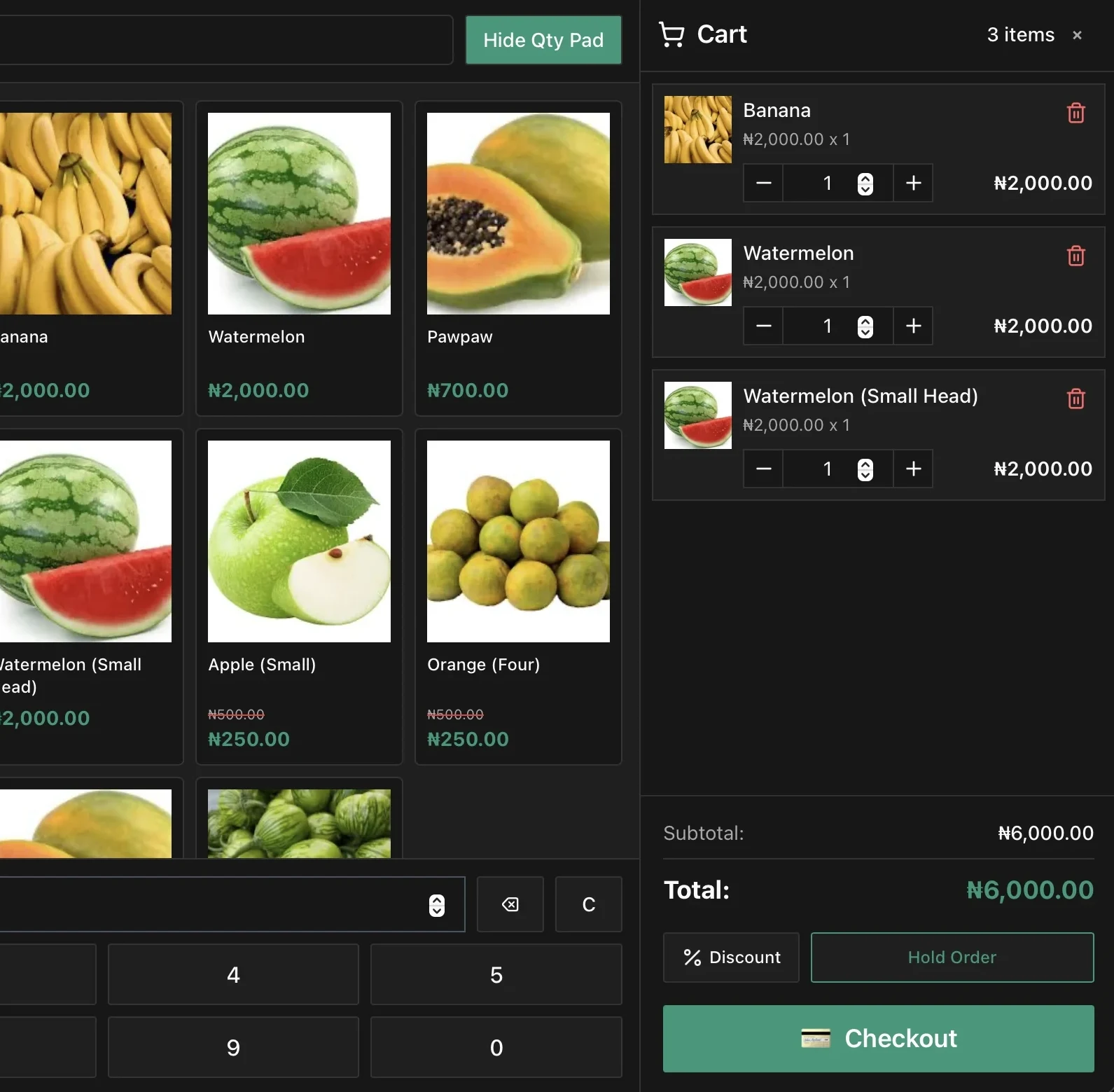
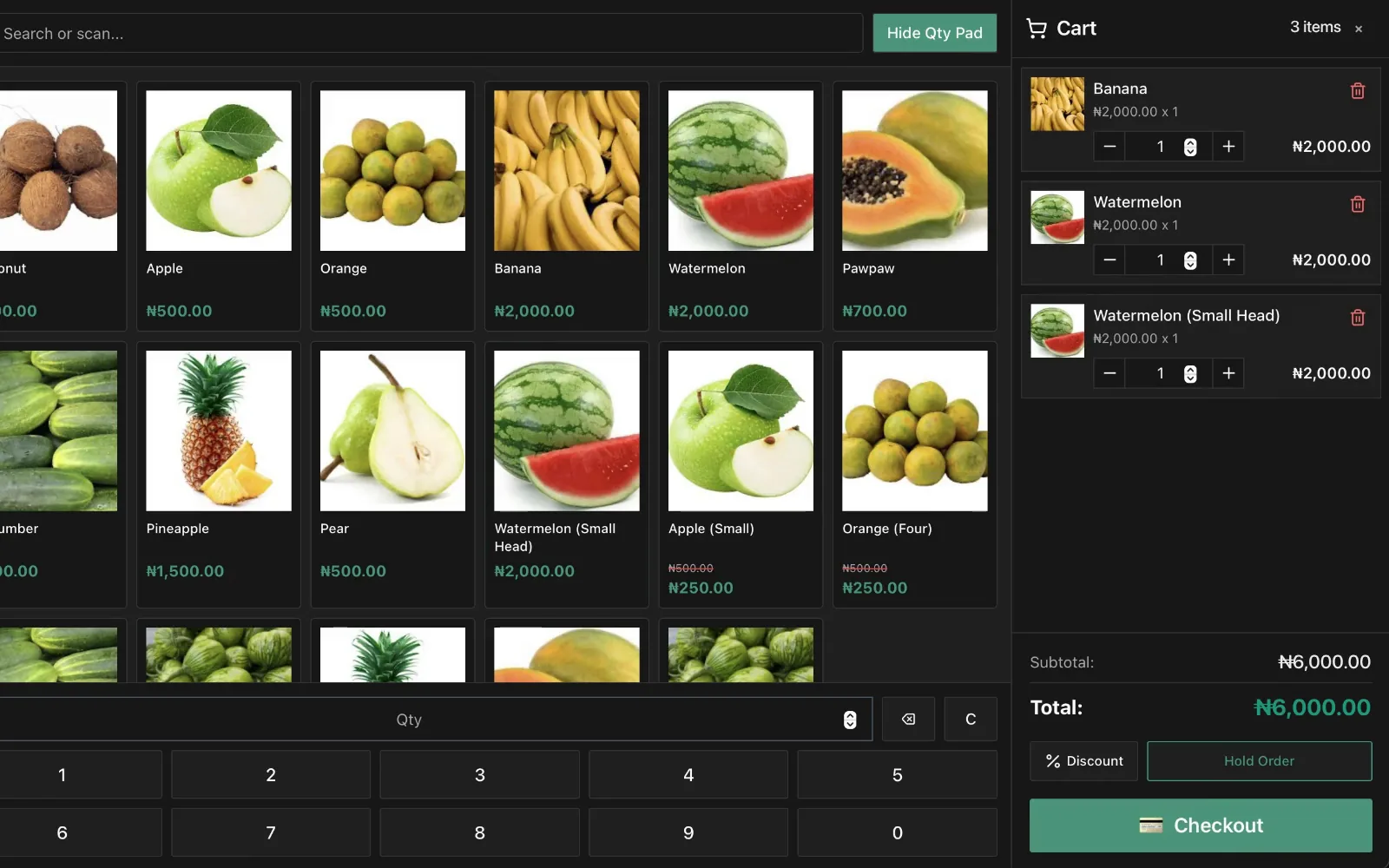
Barcode scanning, quick search, and every payment method on one receipt keep queues moving.

Barcode scan at a busy checkout counter
Built for the real counter

From market stall to storefront.

One register, whatever the setting. Queek POS runs the same way behind a shop counter, on a market table, or at a busy till.

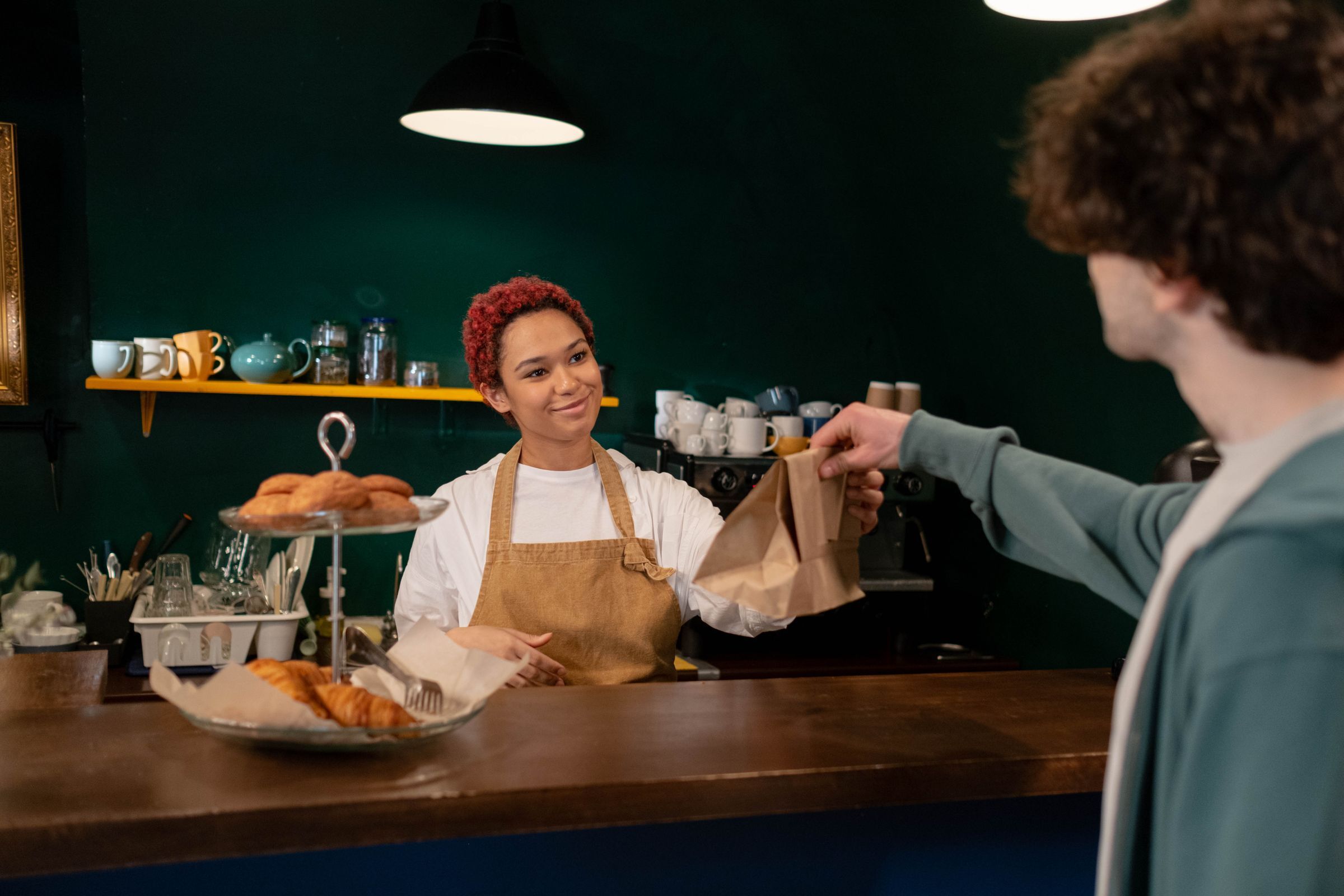
Store owner serving a customer at an outdoor market stall with Queek POS on a phone
Download Queek POS

Available on every platform you use.

No special hardware, no terminals. Install Queek POS on the devices you already have and start selling in minutes.

Also for

Already have a Queek account? Open POS in your dashboard

See it live

From till open to end-of-day close, in one clip.

What a real register needs

Everything the counter needs. Nothing it never uses.

Runs on anything

Android, iOS, Windows, Mac, Linux. The device you already own becomes the register.

Barcode checkout

A USB or Bluetooth scanner, or the phone camera. Generate barcodes for items that never had one.

Every payment method

Cash, card, USSD, and bank transfer, auto-confirmed, on one receipt.

Split payments

Part cash, part transfer, part card. Queek reconciles the split on one sale.

Receipts and sessions

Print or send a receipt. Open with a float, close with a report your accountant can read.

Staff permissions

Every cashier logs in. Control who can void, discount, refund, or open the drawer.

Who it's for

Built for any kind of counter.

Fashion retail store counter with Queek POS on a tablet

Retail shops

Fashion, electronics, and general goods stores that need fast checkout and live stock.

Restaurant counter service with Queek POS on a phone

Restaurants and food vendors

Counter POS and table QR orders running in the same dashboard.

Pharmacy counter with Queek POS checkout on a laptop

Pharmacies

Barcode scanning at the counter and stock updates after every sale.

Supermarket checkout aisle with multiple POS counters

Supermarkets

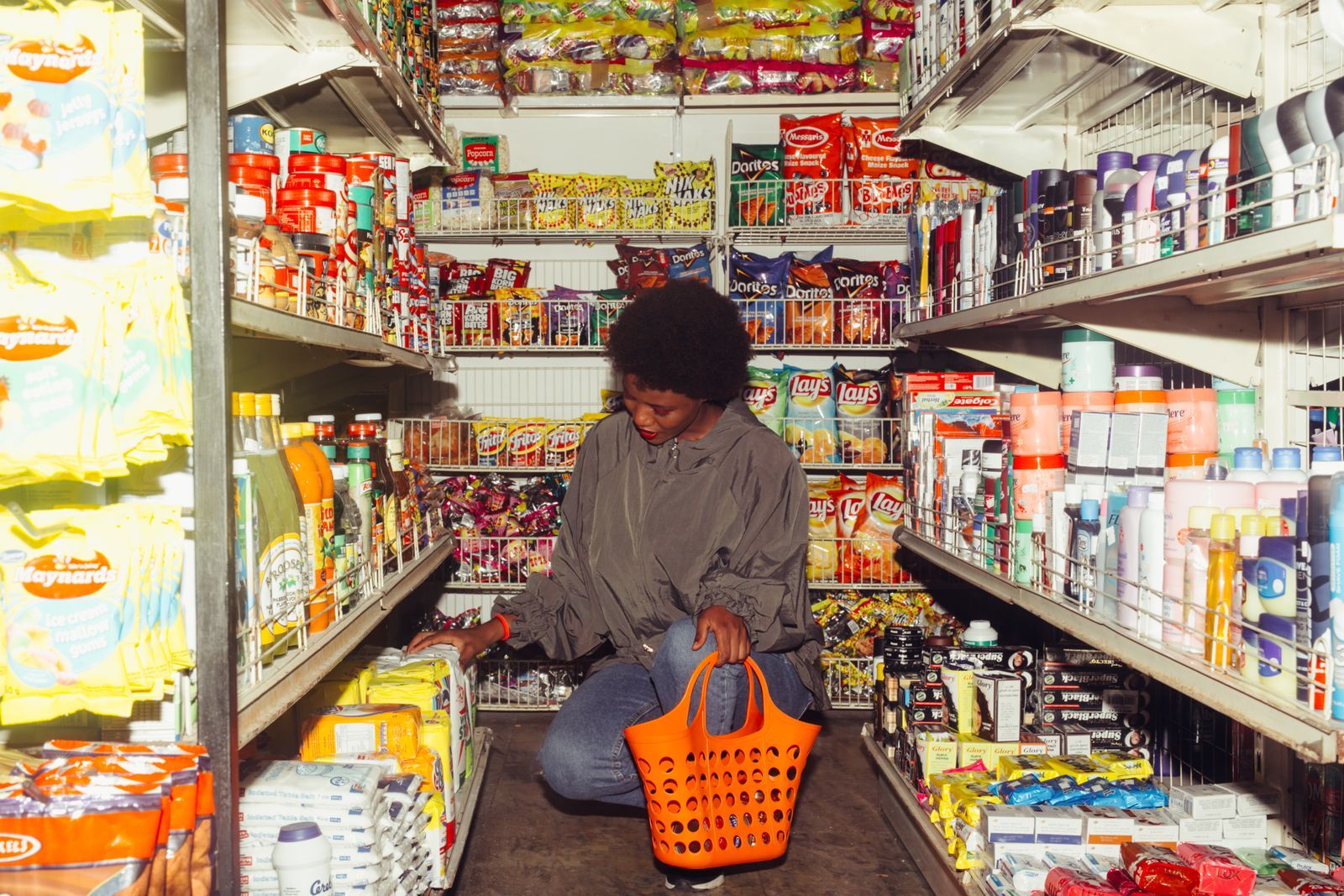
Multiple counters, multiple cashiers, one consolidated view of the day.

Our till used to freeze every time the network dropped. Now it just keeps selling.

Customer avatar
Supermarket manager · Port Harcourt
FAQ

Questions about the POS channel.

Do I need to buy any hardware?

No. Queek POS runs on the Android phone, iPhone, iPad, tablet, or laptop you already own. A barcode scanner is optional, and the phone camera works as one too.

What happens when the internet drops?

Queek POS keeps selling. Every transaction saves locally, and the queue syncs automatically once the network returns. The cashier never stops.

Does the POS share stock with my online store?

Yes. Queek POS runs on the same catalog and inventory as your online store and WhatsApp AI Agent. A counter sale updates every channel instantly.

Can multiple cashiers use it at once?

Yes. Each staff member gets their own login with granular permissions over voids, discounts, refunds, and the cash drawer.

What payment methods does it support?

Cash, bank transfer, card, USSD, and split payments across methods on a single receipt.

How does end-of-day close work?

Open the till with a float, sell through the day, then close the session. Queek produces a report your accountant can read.

Same dashboard as every channel

Turn any device into a register.

Download Queek POS on the device you're already holding. Add your products and take your first sale today.